How it works
- 1
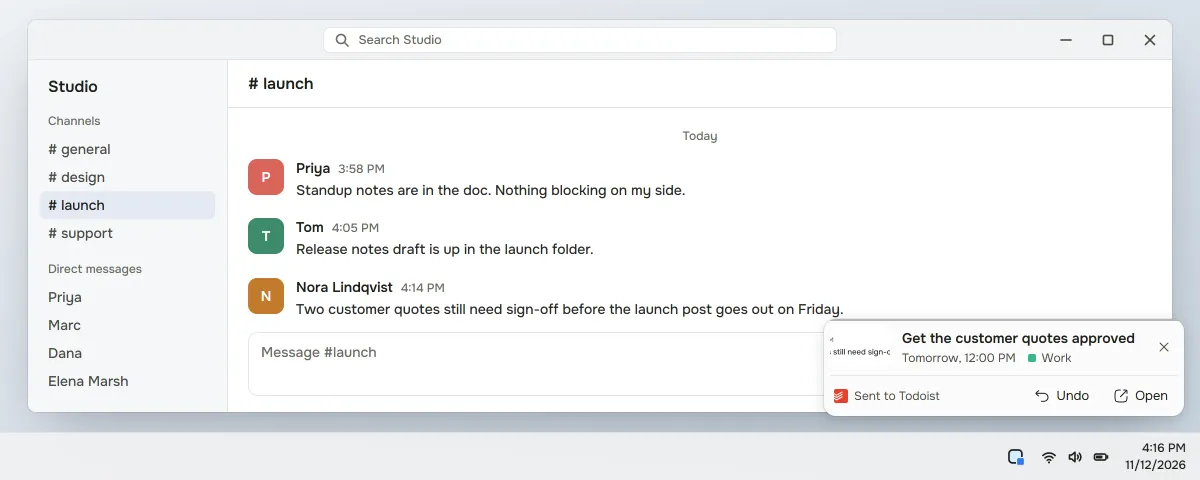
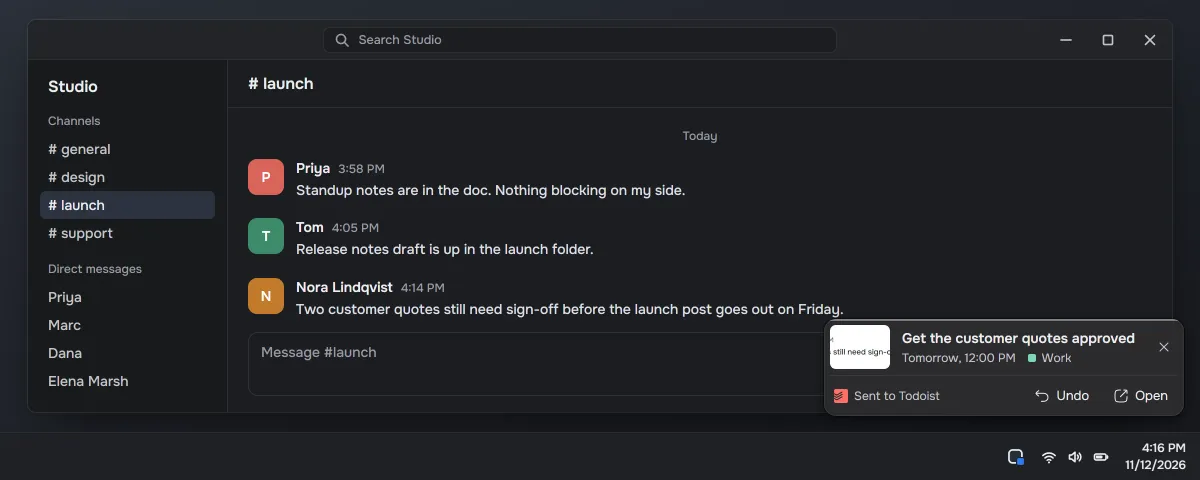
Screenshot the message that asks you for something.
- 2
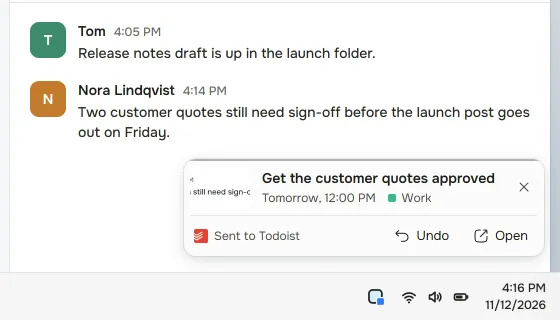
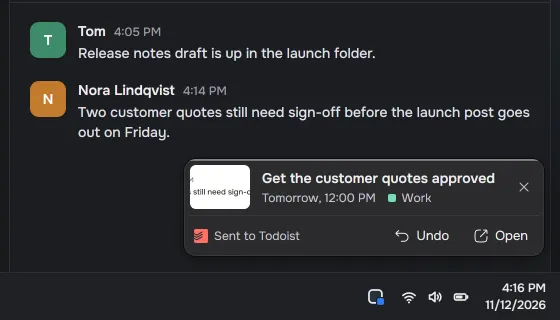
Capter writes the title, description and deadline, and turns your Capter tags into Todoist labels.
- 3
Send it, or turn on automatic sending, and the task lands in the Todoist project you picked. Completing it in Capter completes it there.
Pro
Sending tasks to Todoist is Pro: $5 a month or $39.99 a year, tax included. The Free plan stays: 5 AI drafts a day, reminders and sync, with no integrations.
During early access every account gets Pro's limits, and the first 100 verified accounts keep Pro free forever.
Questions
Can I send a Slack screenshot to Todoist?
Yes, with Capter. Screenshot the Slack message and Capter writes the task with its deadline. Send it, or turn on automatic sending, and it lands in the Todoist project you picked in Capter's settings.
Can Capter turn a Slack message or an email into a to-do?
Yes. Screenshot the Slack message or the email ask. Capter writes the task and, on Pro, can send it to Google Calendar, Outlook Calendar, Google Tasks, Todoist, TickTick, Microsoft To Do, Jira, Linear, Asana, ClickUp, monday.com or Notion.
What does Capter send to Todoist?
Capter sends the title, the description with a link back to the task and its screenshot in Capter, the deadline as a due date and time, your tags as Todoist labels, and the screenshot as a comment on the task. Edits to the title, description and deadline reach Todoist too, and completing the task in Capter completes it there.
Does it work from the Windows and Mac apps?
Yes. Tasks you capture in the Windows and Mac apps can go to Todoist too. You connect Todoist once, in Capter on the web. Turn on automatic sending for Todoist in Capter's settings, or send each task with one click.