How it works
Unlike bug-report widgets, Capter captures requests from any app on your screen, not feedback on a website.
- 1
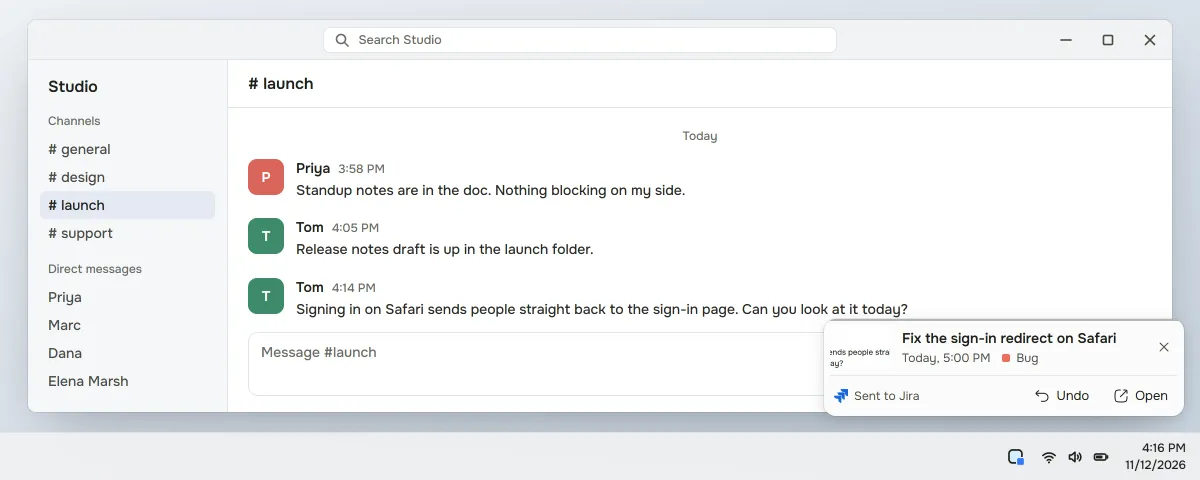
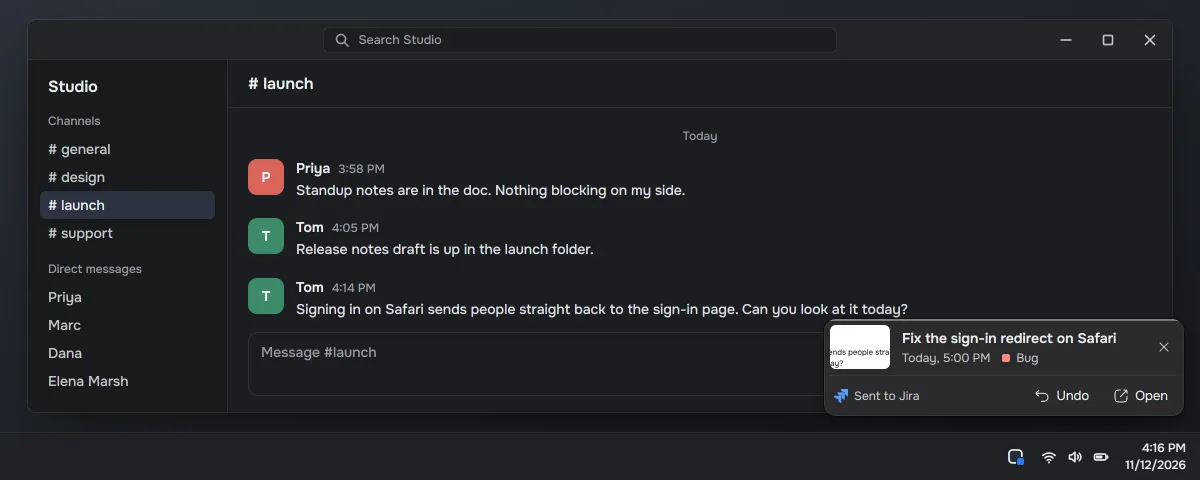
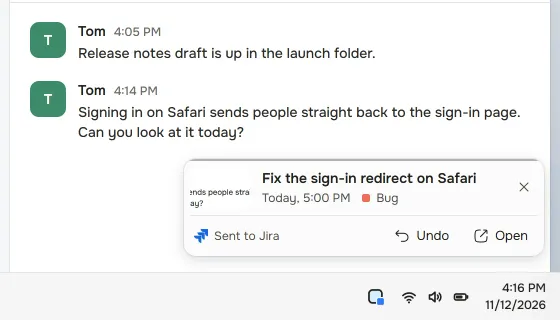
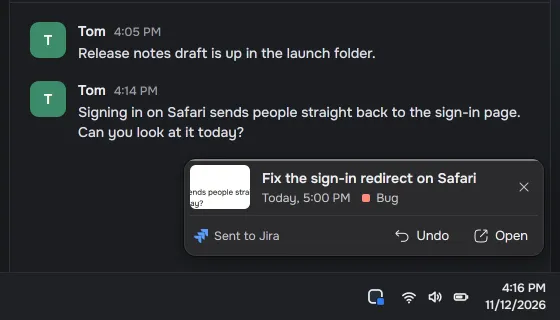
Screenshot the message that asks you for something.
- 2
Capter writes the task: title, description and due date.
- 3
Pick the Jira project, or let auto-routing file it when it's sure.
Pro
Sending tasks to Jira is Pro: $5 a month or $39.99 a year, tax included. The Free plan stays: 5 AI drafts a day, reminders and sync, with no integrations.
During early access every account gets Pro's limits, and the first 100 verified accounts keep Pro free forever.
Related pages
Questions
Can I create a Jira issue from a screenshot of a Slack message?
Yes. Screenshot the message, and Capter drafts the issue with a title, description and due date and files it to the Jira project you pick, with the screenshot attached.
Is this a bug-report tool?
No. Capter turns requests from chat and email into normal Jira issues. Bug-report widgets collect feedback on a website.
Does it work on Mac and Windows?
Yes. Capter has apps for Windows and Mac and works on the web. You need a Capter account to create tasks and connect Jira.
Can the same capture go somewhere other than Jira?
Yes. On Pro, Capter can also send tasks to Google Calendar, Outlook Calendar, Google Tasks, Todoist, TickTick, Microsoft To Do, Linear, Asana, ClickUp, monday.com or Notion.